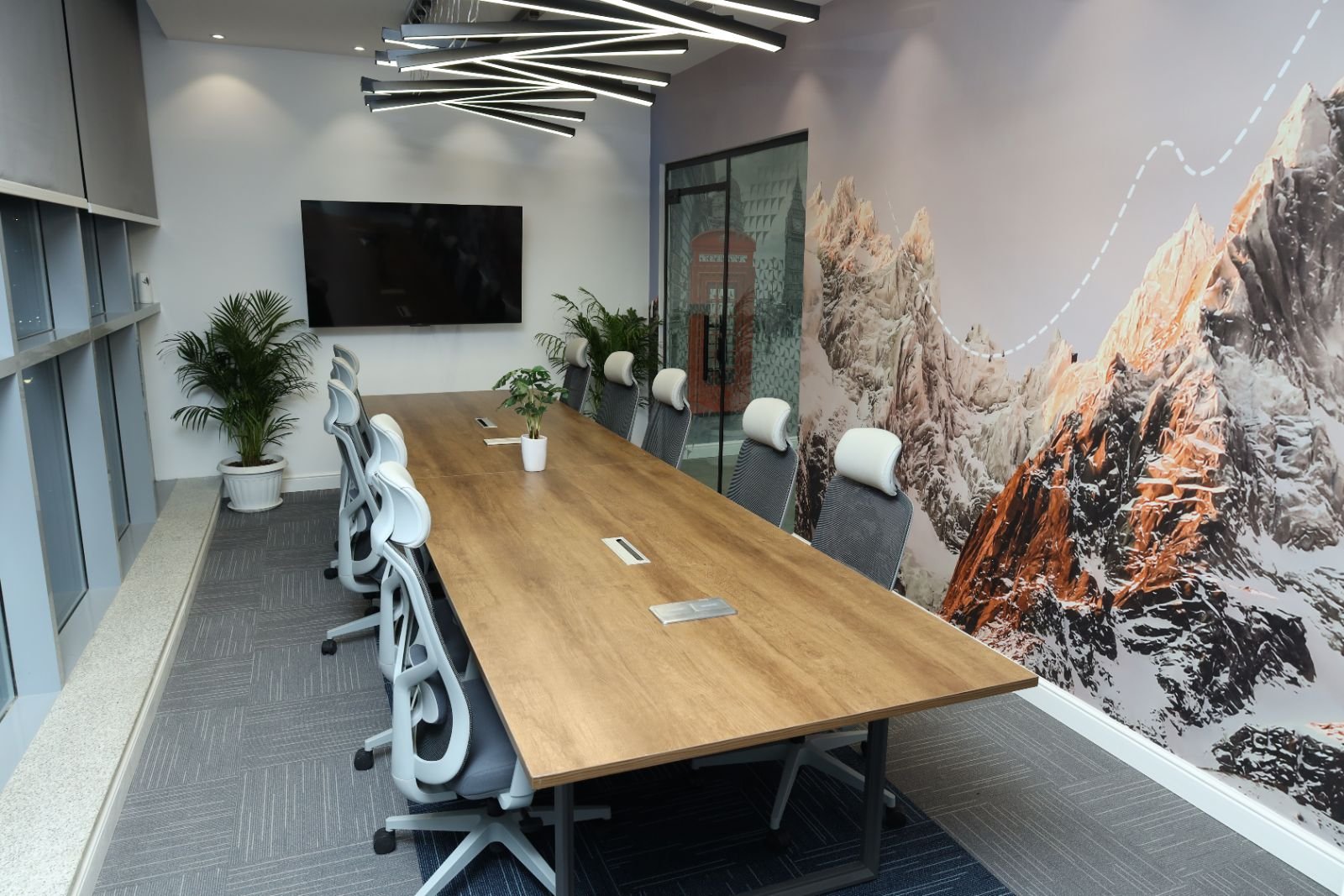
A tech office fit-out in Riyadh lives or dies on its infrastructure: electrical load and backup power, structured cabling and Wi-Fi, a properly cooled server or comms room, and acoustics for calls. Design these first, then layer the collaboration spaces and brand finishes on top.
Riyadh's technology sector is growing fast, and tech companies use offices differently from most businesses: more screens per person, more video calls, more equipment running 24/7, and teams that regroup around projects every few months. A good tech office fit-out plans for that from the start.
1. Power: plan for density and continuity
Developers often run two or three monitors plus test devices. Size the electrical load for that, add dedicated circuits for the comms room, and decide early whether you need a UPS for critical equipment or a generator connection. Retrofitting power after the ceiling is closed is expensive.
2. Data and Wi-Fi
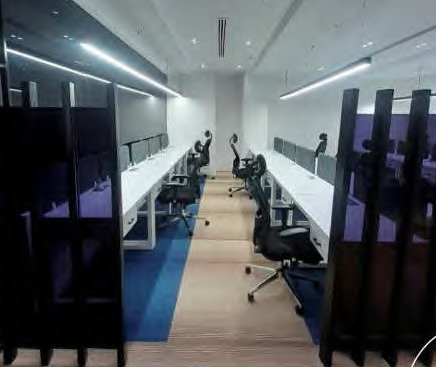
Run structured cabling (Cat6 or Cat6A) to every desk and meeting room, with spare capacity for growth, and plan access point positions for full Wi-Fi coverage including glass-walled rooms. Our guide to networking and low-current systems covers the details.
3. The server or comms room
Even cloud-first companies need a comms room for switches, firewalls and access control. It needs dedicated cooling that runs independently of the office AC, which is often switched off at night, plus fire protection suited to electrical equipment, controlled access and a raised floor or cable tray for neat routing.
4. Cooling the whole office
Screens and equipment add real heat load. In Riyadh's summer, an office designed for standard occupancy can struggle once a full dev team is in. Ask your contractor to check the HVAC capacity against your actual equipment, not a generic office profile. See our HVAC selection guide.
5. Spaces that match how tech teams work
- Team zones with bench desks that can be re-arranged per project
- Several small meeting rooms and phone booths rather than one large boardroom
- Whiteboard walls and screens for stand-ups and sprint planning
- A quiet focus room away from sales or support calls
- A breakout area and pantry that support informal collaboration
6. Acoustics for video calls
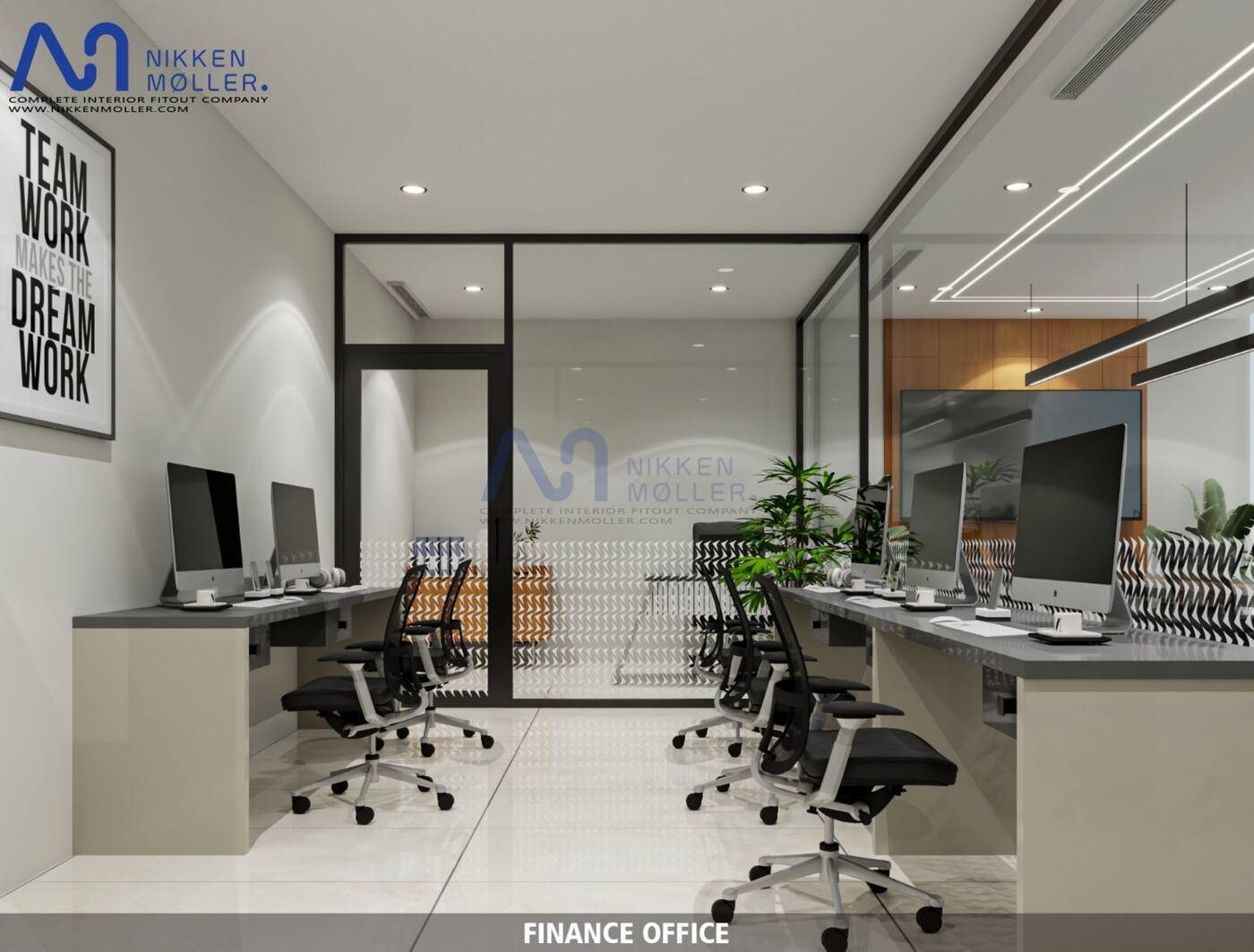
Hard glass and bare concrete ceilings make every call echo. Use acoustic ceiling treatment, soft flooring in work zones and acoustic panels in meeting rooms so calls are clear.
7. Security and access
Card access to the office and comms room, CCTV at entrances, and visitor management are standard requirements for tech companies handling client data.
Budget and timeline
Tech offices typically sit in the mid-tier of our office fit-out cost ranges because of the extra MEP and IT infrastructure, even when the finishes are simple. Nikken Moller handles MEP, low-current systems and finishing in-house as one office fit-out contract, so infrastructure and design are coordinated from day one.
Most do need at least a small comms room for network equipment, with its own cooling, fire protection and controlled access, even if servers are in the cloud.
Cat6 or Cat6A structured cabling to every desk and meeting room, with spare capacity and planned Wi-Fi access point positions.
Multiple monitors, test devices and network equipment add heat load, so HVAC should be sized for the actual equipment and occupancy.